> ## Documentation Index
> Fetch the complete documentation index at: https://docs.rightnowai.co/llms.txt
> Use this file to discover all available pages before exploring further.
# Welcome to RightNow AI
> AI-powered CUDA code editor with real-time GPU profiling
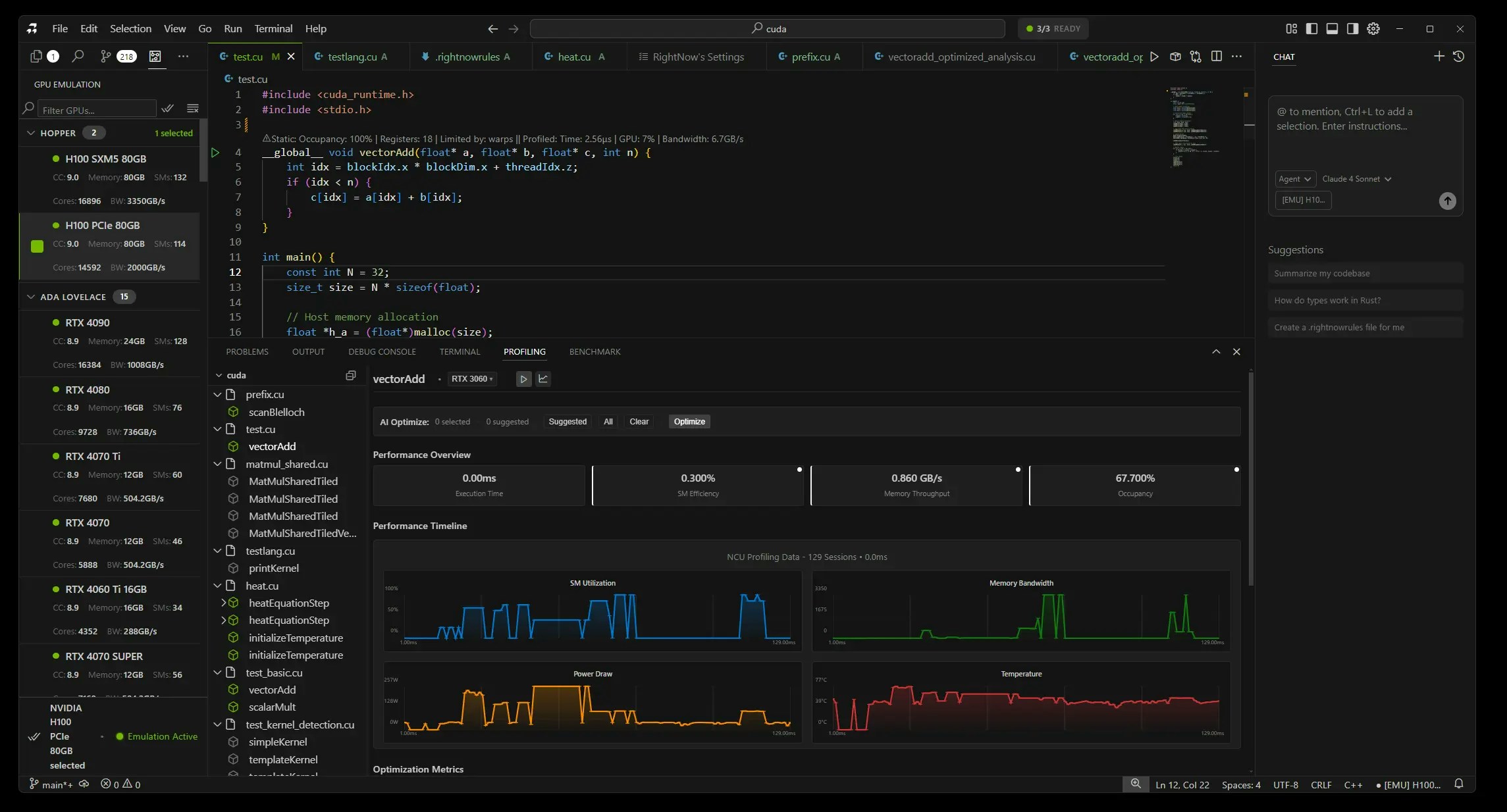 **RightNow AI** is an AI-powered CUDA code editor with real-time GPU profiling. Write optimized CUDA code with AI assistance and profile kernels without leaving your editor.
## Get Started
Install RightNow AI and set up your CUDA development environment.
Get productive with CUDA development in 3 simple steps.
## Documentation
AI coding, real-time profiling, and hardware integration
.rightnowrules personalization and profiling persistence
OpenRouter setup, CUDA profiling, and editor preferences
## Support
Common issues and solutions for RightNow AI setup and usage
**RightNow AI** is an AI-powered CUDA code editor with real-time GPU profiling. Write optimized CUDA code with AI assistance and profile kernels without leaving your editor.
## Get Started
Install RightNow AI and set up your CUDA development environment.
Get productive with CUDA development in 3 simple steps.
## Documentation
AI coding, real-time profiling, and hardware integration
.rightnowrules personalization and profiling persistence
OpenRouter setup, CUDA profiling, and editor preferences
## Support
Common issues and solutions for RightNow AI setup and usage